When enabling Customer Portal app notifications to send updates via the Teams app, users may encounter the following error:
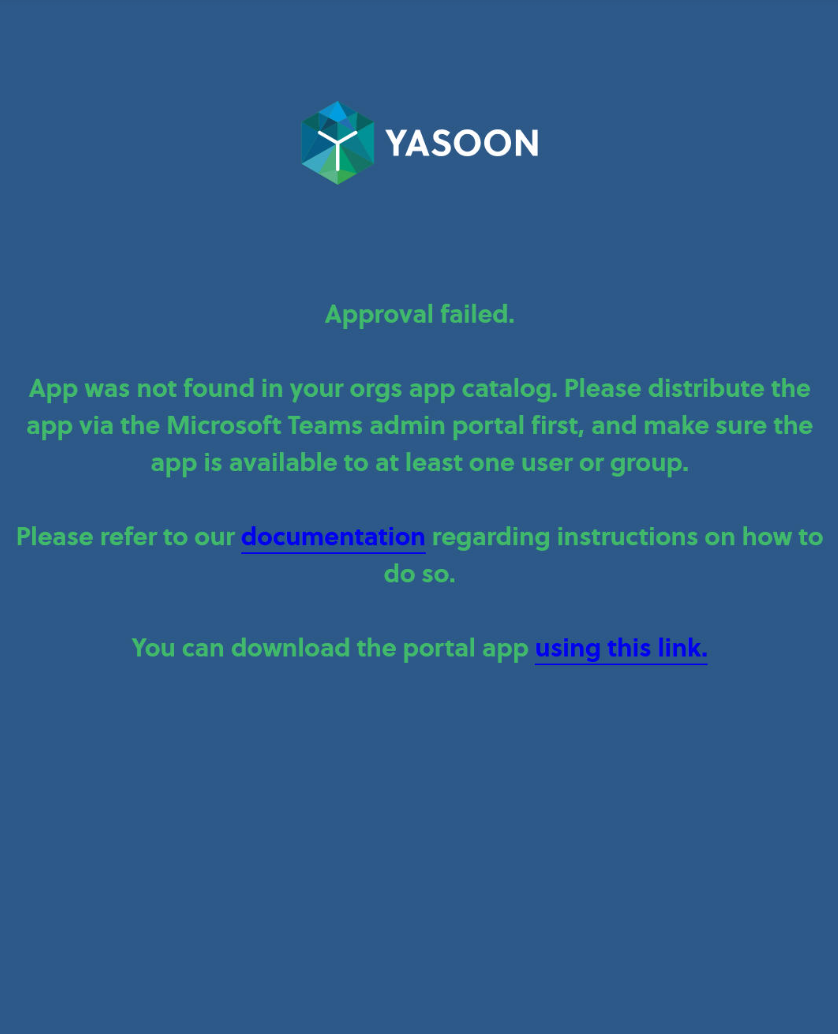
This can occur for several reasons:
-
The app is not installed centrally in your Teams admin center: https://yasoon.storylane.io/share/quardtg6wovg
-
The app is installed but may take up to 24 hours to become active in your Microsoft environment
-
The app is installed and 24 hours have passed, but it is assigned to users other than the Microsoft administrator
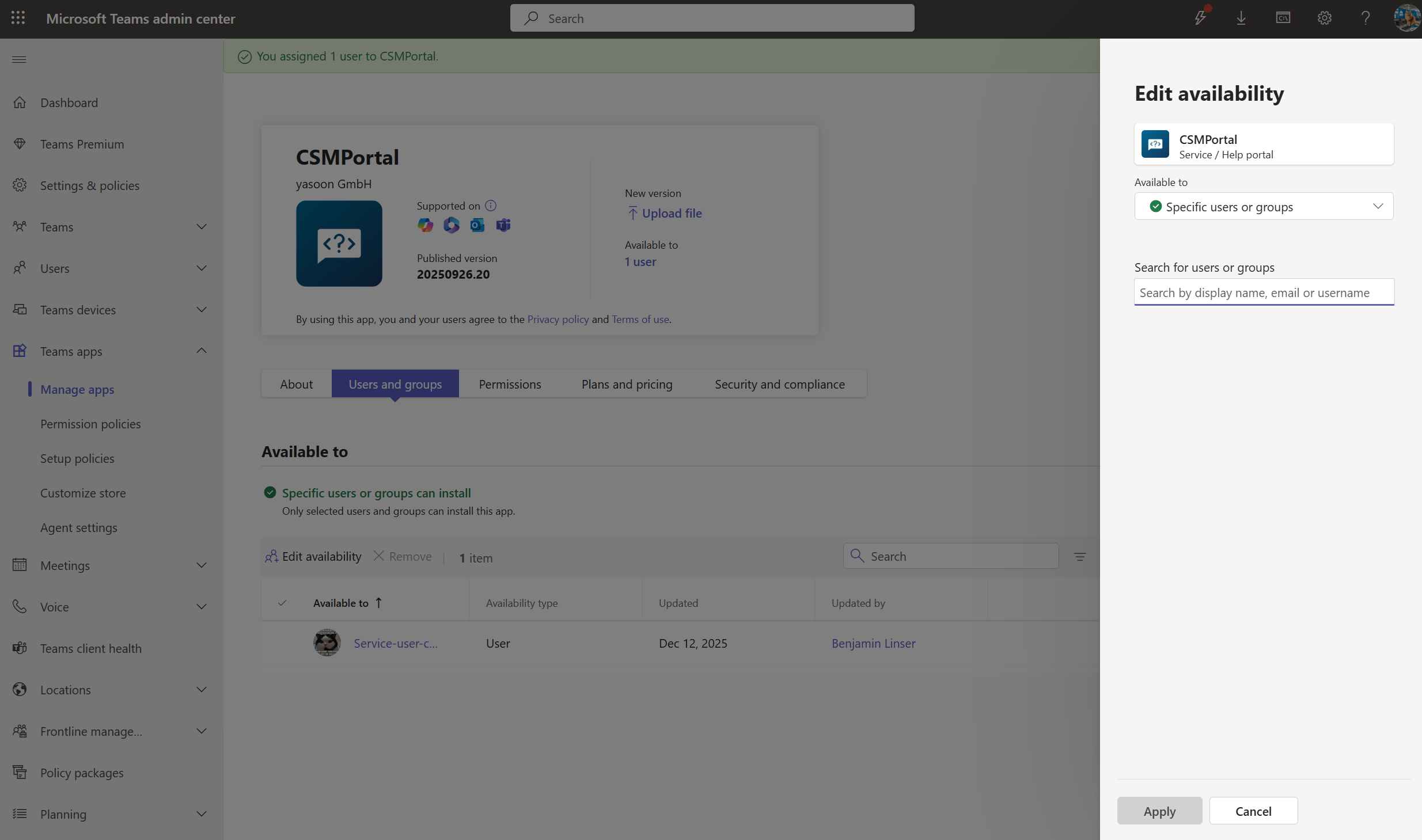
In this case, assign the administrator who grants notification scopes to the app's assignment group. Do this in the Teams admin center:
-
Navigate to Manage apps - Microsoft Teams admin center
-
Search for your service portal and select it to edit
-
Click on users and groups to add the Microsoft administrator here: