
Previously, when a user created a new chat from a Jira work item, the chat and its visibility depended on that user. This caused issues when the user left the company or was deactivated.
Now, the Smart Connect for Jira app from Teams can share on the user's behalf (Smart Connect RSC upgrade (2026)). These RSC permissions ensure the chat remains visible to all users even if the user leaves or his license is disabled.
This remains optional, requiring configuration to install the app into the chat when creating it via our Preset configuration.
We recommend configuring the Preset (Preset: Teams) to add the Smart Connect for Jira app (or the Portal bot in JSM spaces) to the created chat:
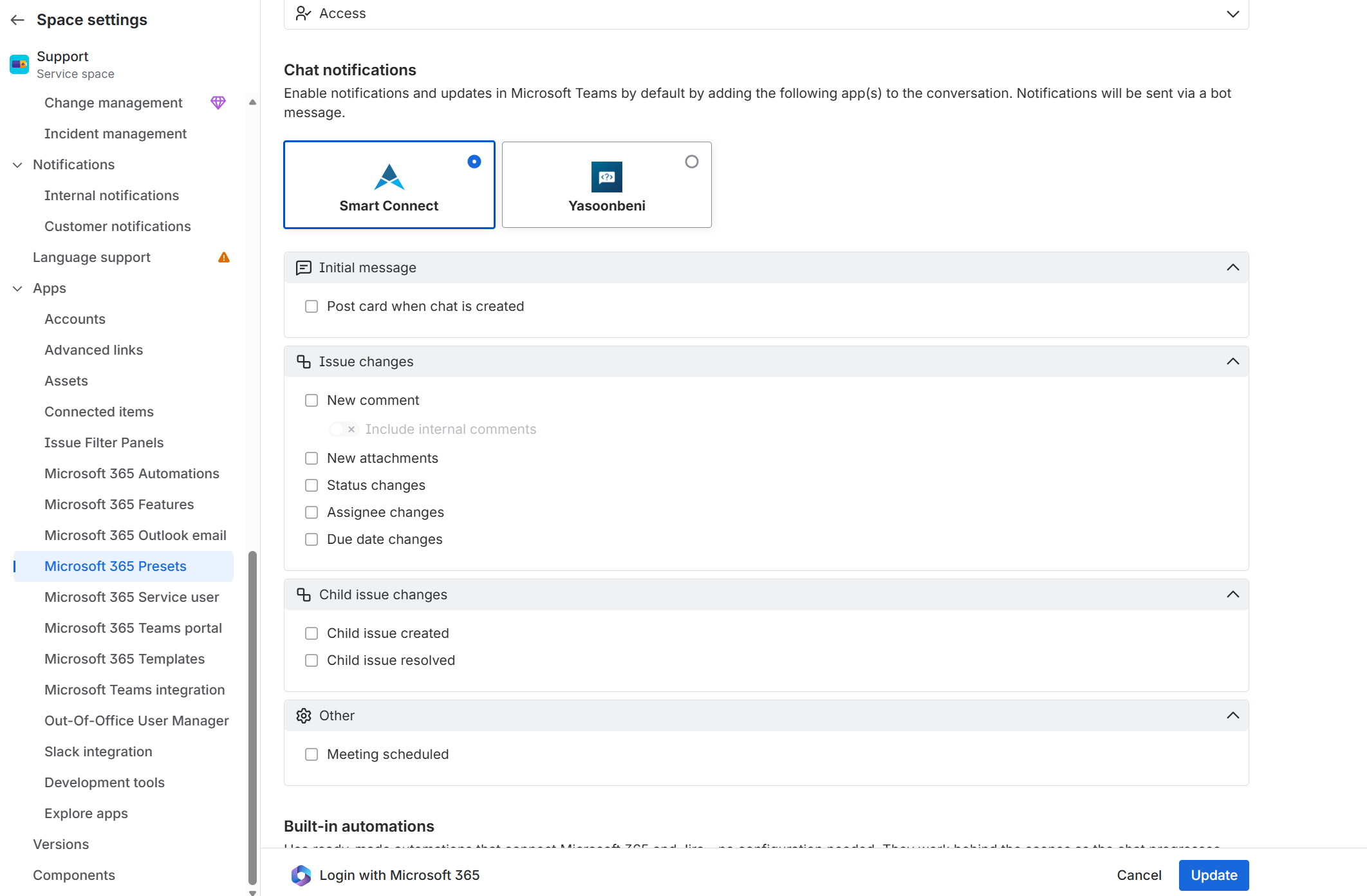
You can disable all update events as shown above or add some updates to your chat.