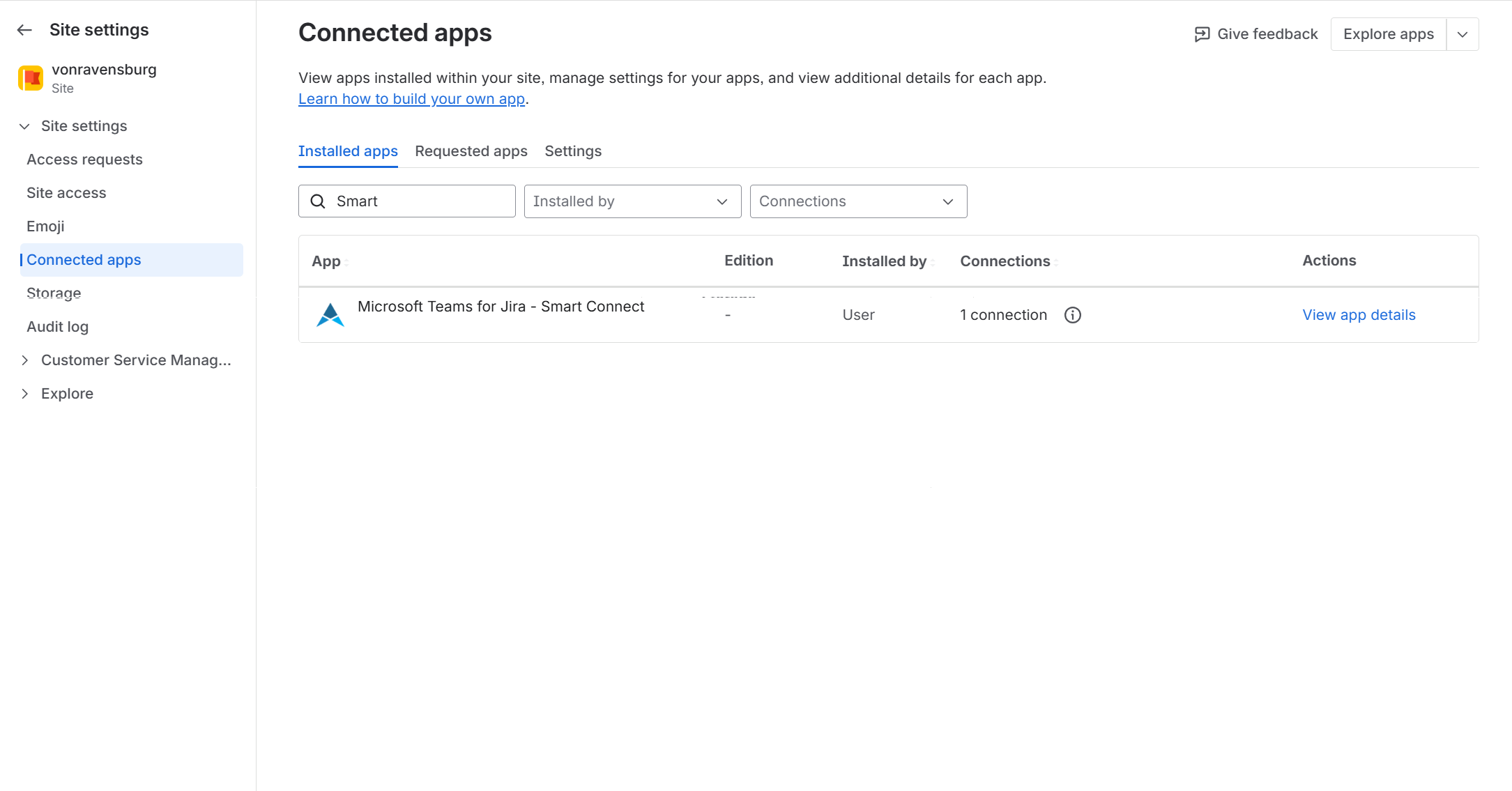
Situation
When a user logs into Smart Connect for Jira from Teams to Jira for the first time, they might see this error “Your site admin must authorize this app for the site '[…]' before the app can access your account”:
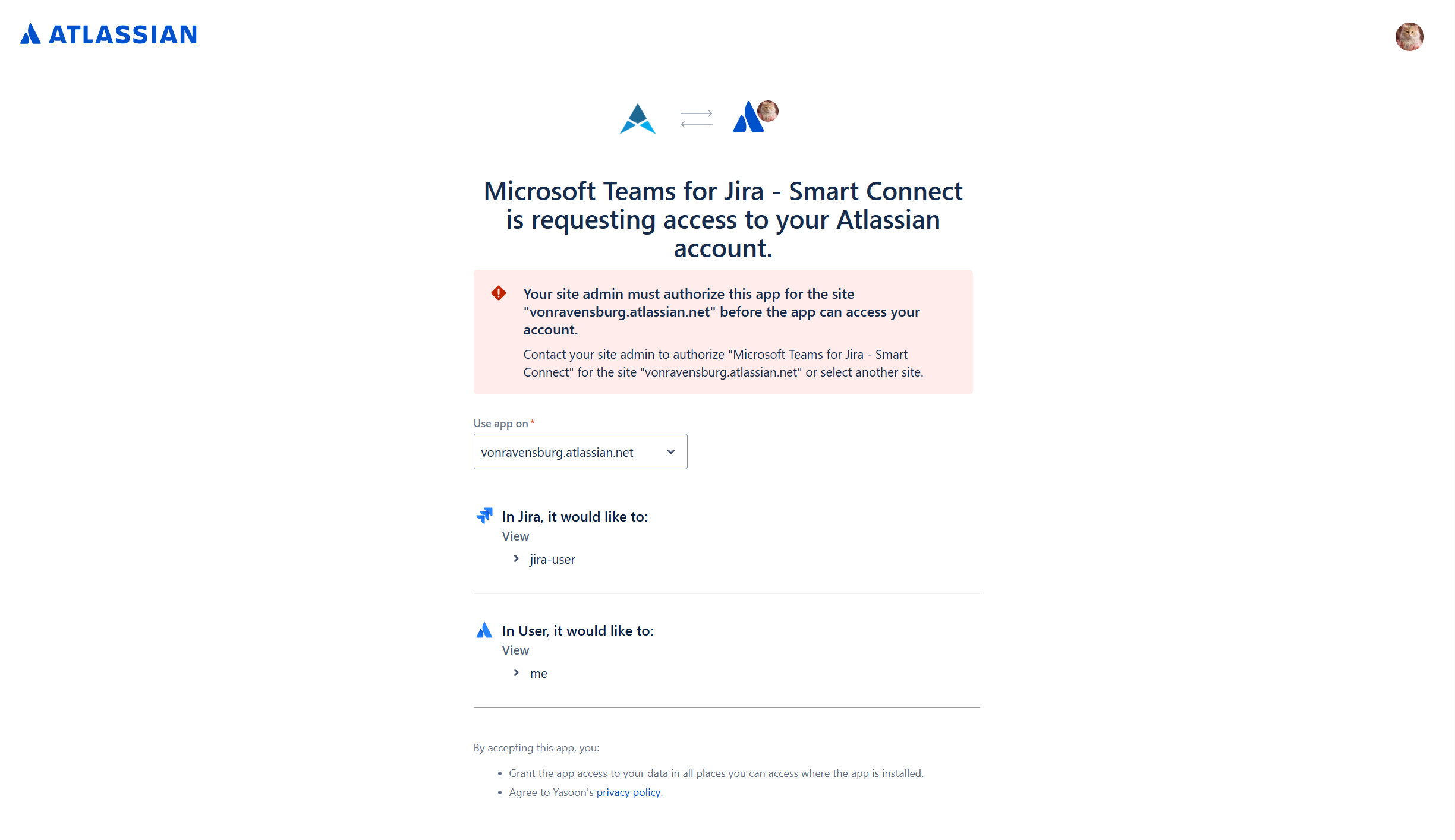
He cannot use the app and must contact his Jira administrator.
Cause
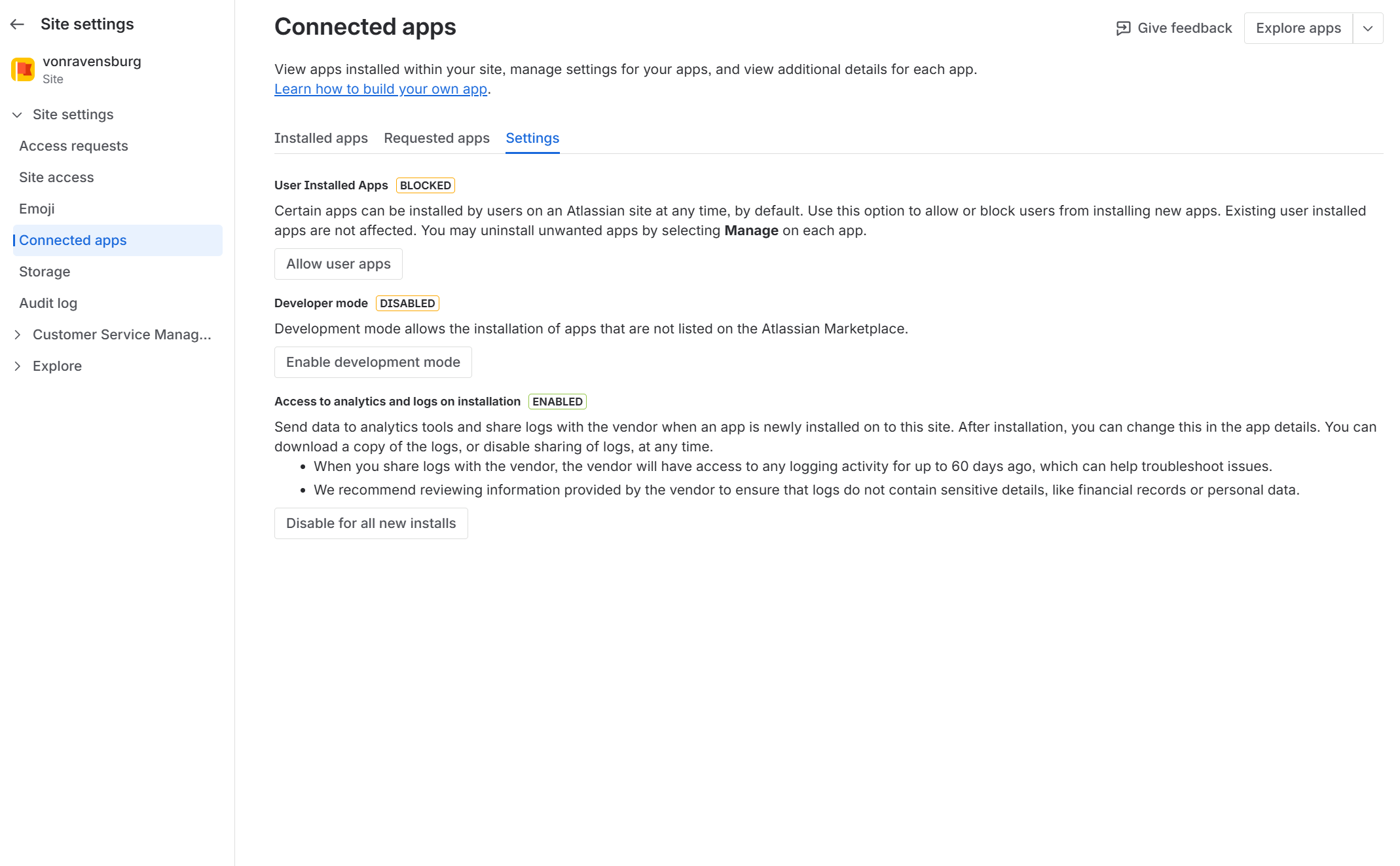
Since the Teams-to-Jira connection is user-based and requires separate permissions, it adds an extra “connected app” entry during Jira login. The login flow fails if the “User Installed Apps” setting is blocked:
Solution
There are two solutions for this scenario:
-
Enable users to install apps and allow this setting.
-
Log in to Jira from Teams via Smart Connect for Jira as a Jira admin with app installation permission.