
Sometimes users encounter the following error when adding the Customer Portal app in Teams, despite administrators granting all permissions and access:
“You don’t have permissions to add this app. Contact your IT admin for help. Permissions needed”
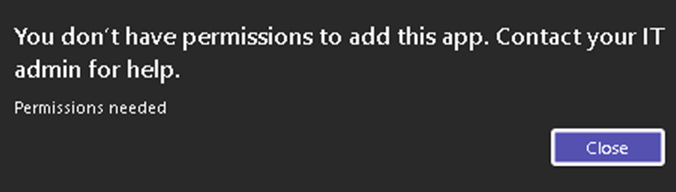
This occurs due to missing permissions to add agents in your Microsoft tenant.
Troubleshoot by navigating to your agent policies:
Microsoft 365 admin center → Copilot → Settings → View all → Agents:
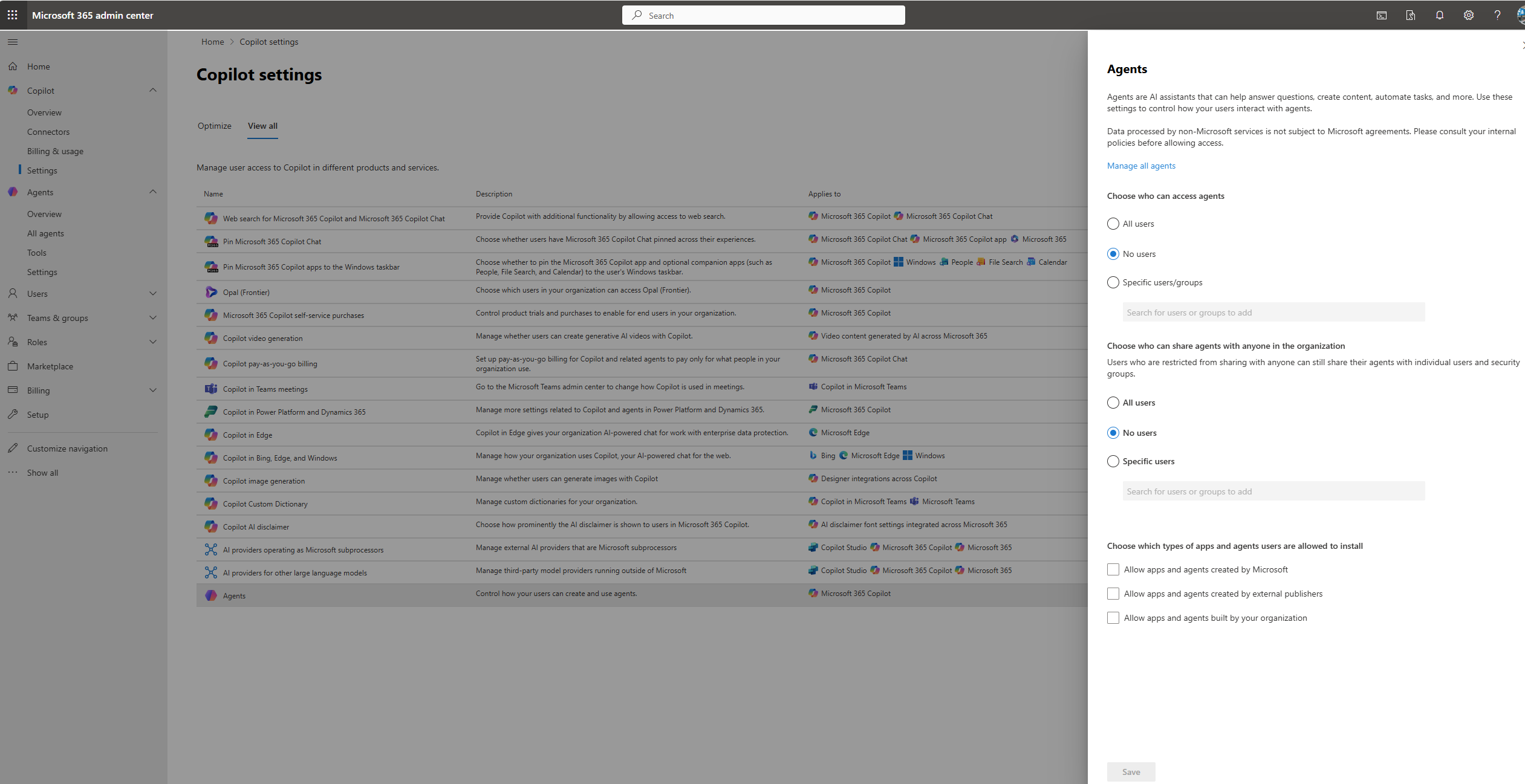
You can adjust this setting globally for all agents or individually by allowing specific users for certain agents. To do the latter, navigate to the admin center → Agents → All agents → search for your portal app's name and select it → Users:
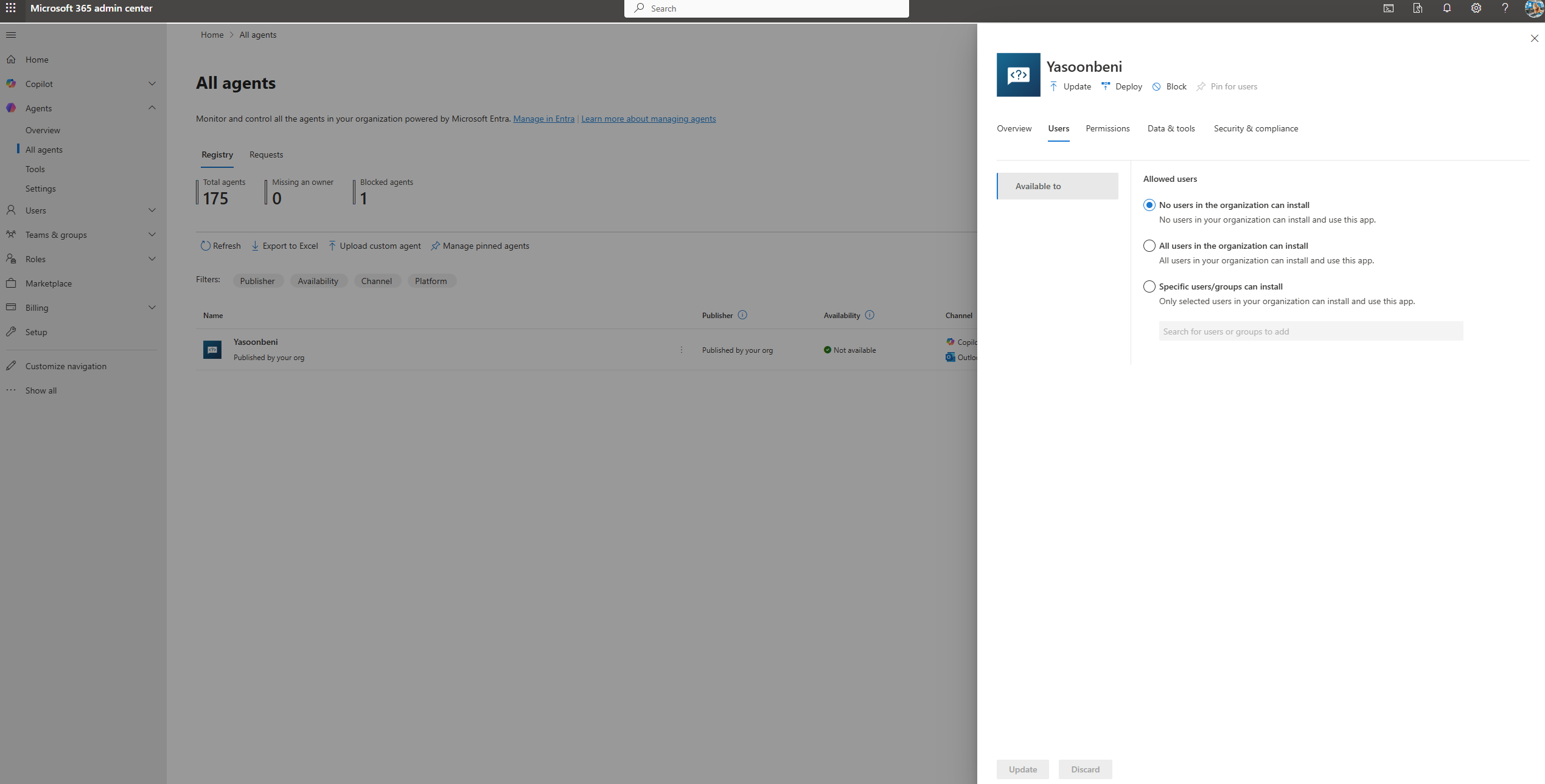
Allowing users to access Agents removes the error and enables app use.