About
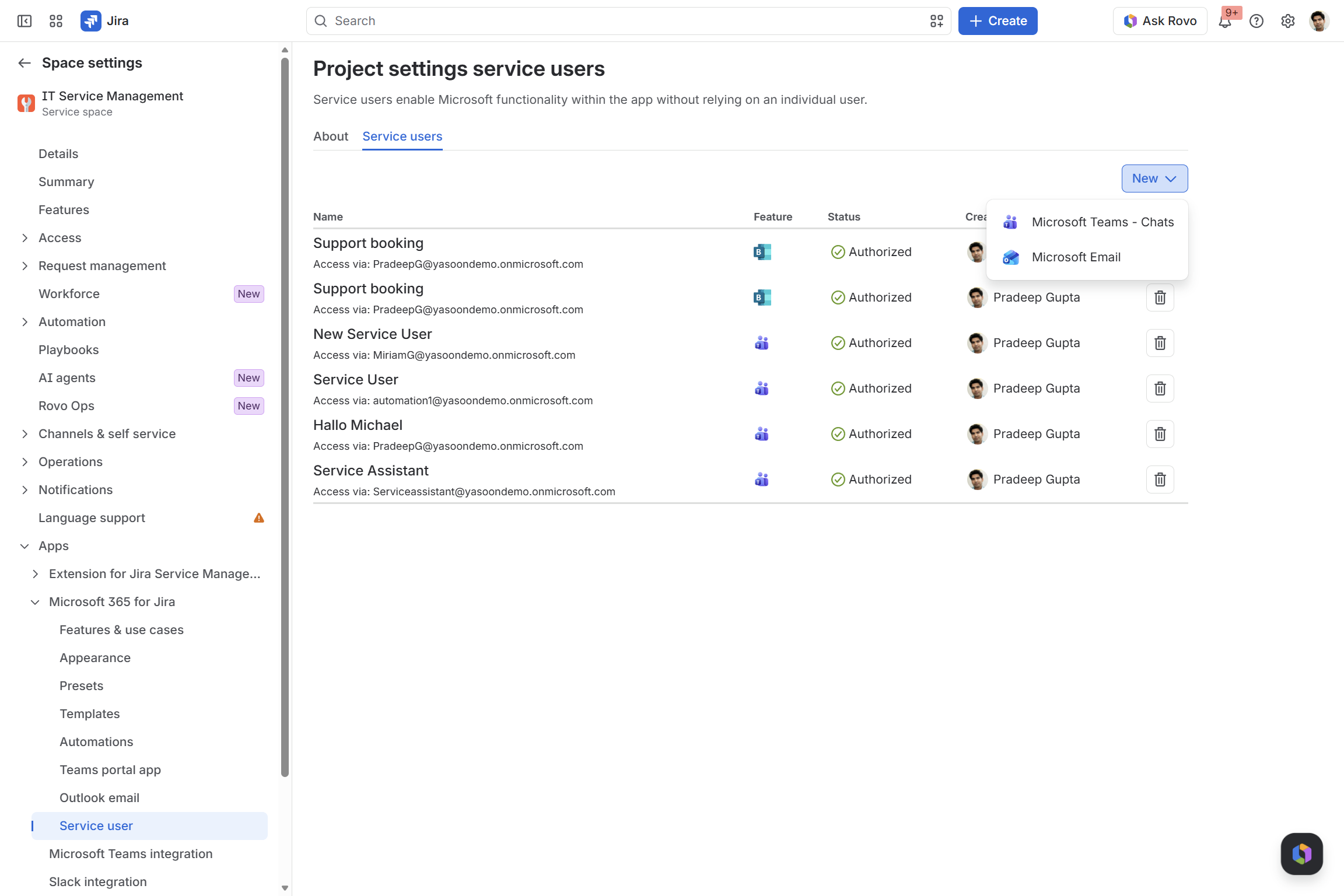
Service users execute actions on behalf of the app. You can assign different service users to different app functionalities.
In principle, any Microsoft user with the required permissions can act as a service user.
However, we strongly recommend using a dedicated account that is not tied to an individual, such as service@company.com. This ensures automations run reliably and remain unaffected by role or personnel changes.
With Microsoft 365 for Jira, you need a service user for:
-
Microsoft Bookings (JSM: let customers schedule meetings)
-
JSM project automations (Customer Chat and Incident chat)
-
Jira project automation (Epic chat)
-
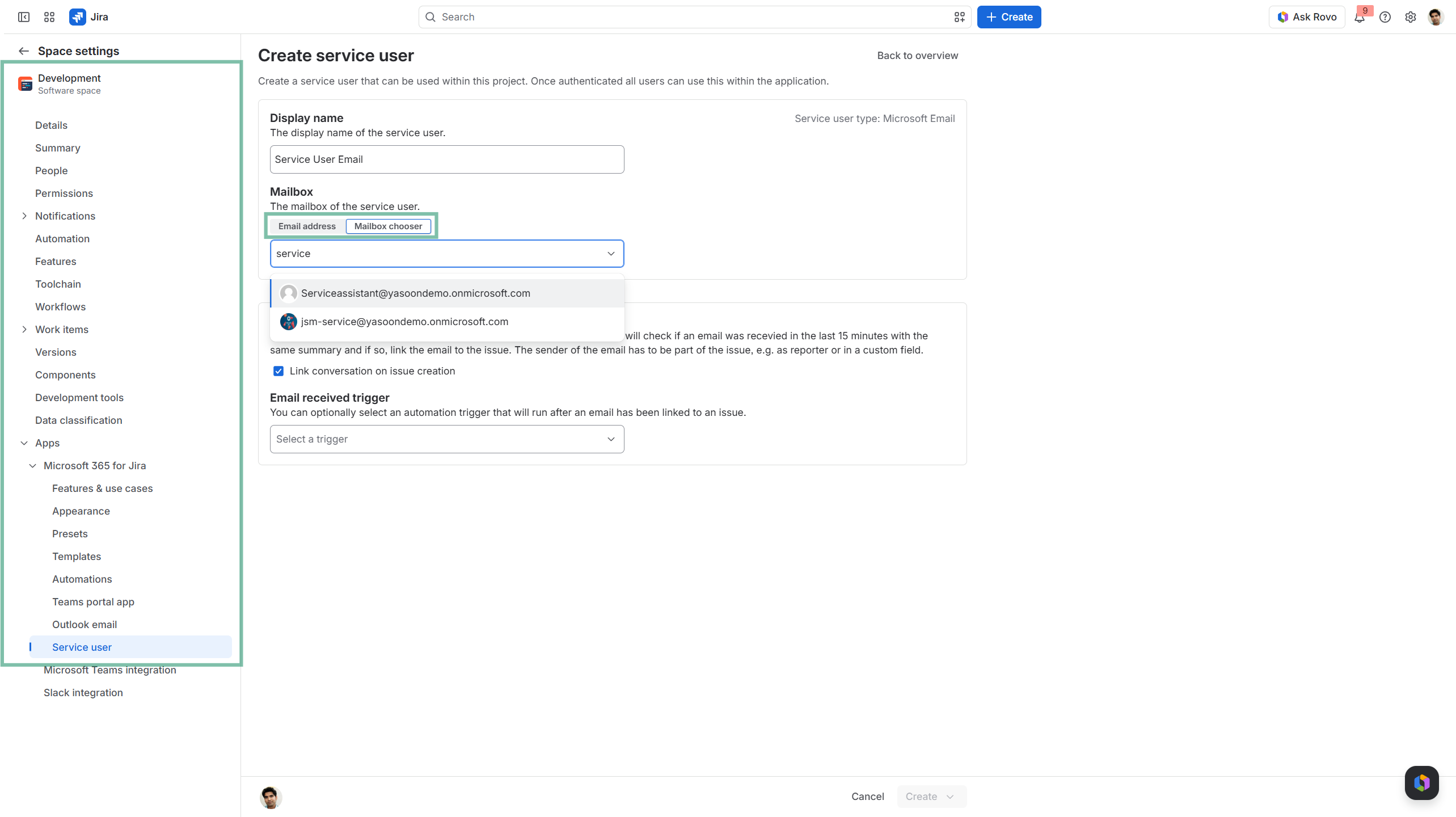
Microsoft Outlook (Connect initial email with work item by creation)
Why a service user
Reliable automation
Project automations (e.g. creating a customer or Epic chat) run automatically in the background. A service user ensures these actions happen without requiring a person to trigger or maintain them.
Independent of individuals
If actions are tied to personal accounts, they can break when people leave, change roles, or lose access. A service user keeps everything running, regardless of personnel changes.
Clean and consistent communication
Chats and posts are created by a neutral system identity, not a random user. This avoids confusion and keeps communication structured.
Controlled access
Service users only need the permissions required for their tasks, reducing risk compared to personal accounts.
Licensing and permissions
Service users require the appropriate Microsoft 365 licenses and permissions depending on the features you use.
Microsoft Bookings
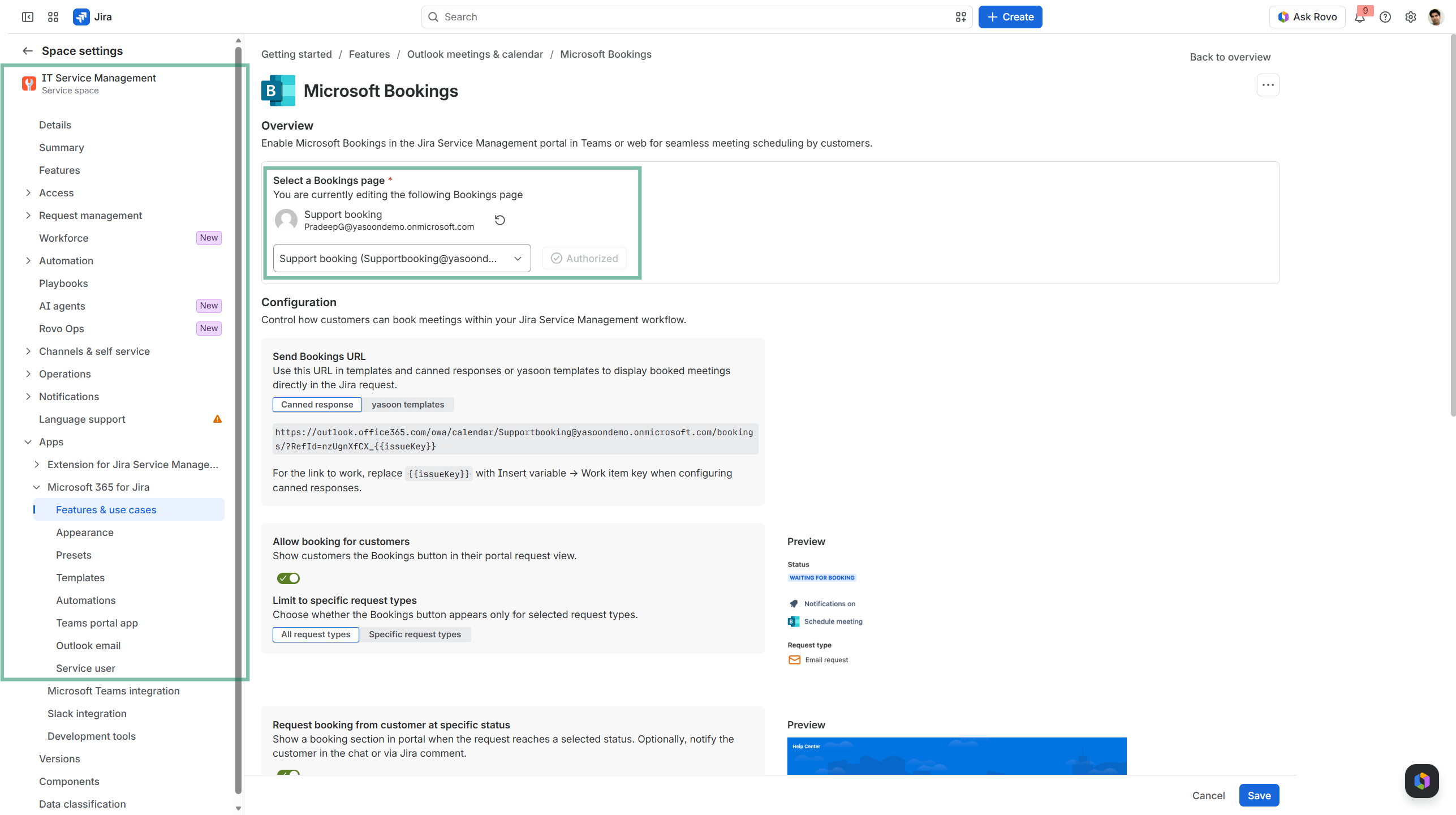
To use the Bookings integration, the service user must have a Microsoft 365 license with access to Microsoft Bookings.
It also needs admin access to the selected Bookings page to make it available within the app.
Microsoft Teams
For Teams integrations (e.g. project automations that create chats), the service user must have a Microsoft Teams license.
Without it, the user cannot log in or interact in Teams.
Microsoft Outlook
To use the Outlook Email Service User (for automatically linking the initial email on which the Jira mail handler created the new work item), you must sign in to the shared mailbox. Therefore, you need the mailbox credentials.
Note on shared mailboxes
Shared mailboxes are not supported as service users, as they cannot be used to sign in to Microsoft 365 services like Teams or Bookings. They can serve as Email Service users.
If you don’t have permission to sign in with the service user, you can still create it and send it to your Microsoft admin for authorization.
Service user x Microsoft Bookings
This feature needs to be set-up via “Features and use cases” in your JSM space settings.
JSM ONLY
The Microsoft Bookings integration allows customers to schedule appointments with agents through Microsoft Teams.
To use the integration, configure a service user with:
-
A Microsoft 365 license that includes Microsoft Bookings
-
Admin access to each Bookings page you want to make available
The service user authorizes Microsoft 365 for Jira to access the selected Bookings pages and manage appointments on behalf of the integration. Using a dedicated service user keeps appointment scheduling independent of individual employees and their personal Microsoft accounts.
🗓️ Learn more about our Microsoft Bookings feature
⚙️ Learn how to set-up the Microsoft Bookings feature
Service user x Microsoft Teams
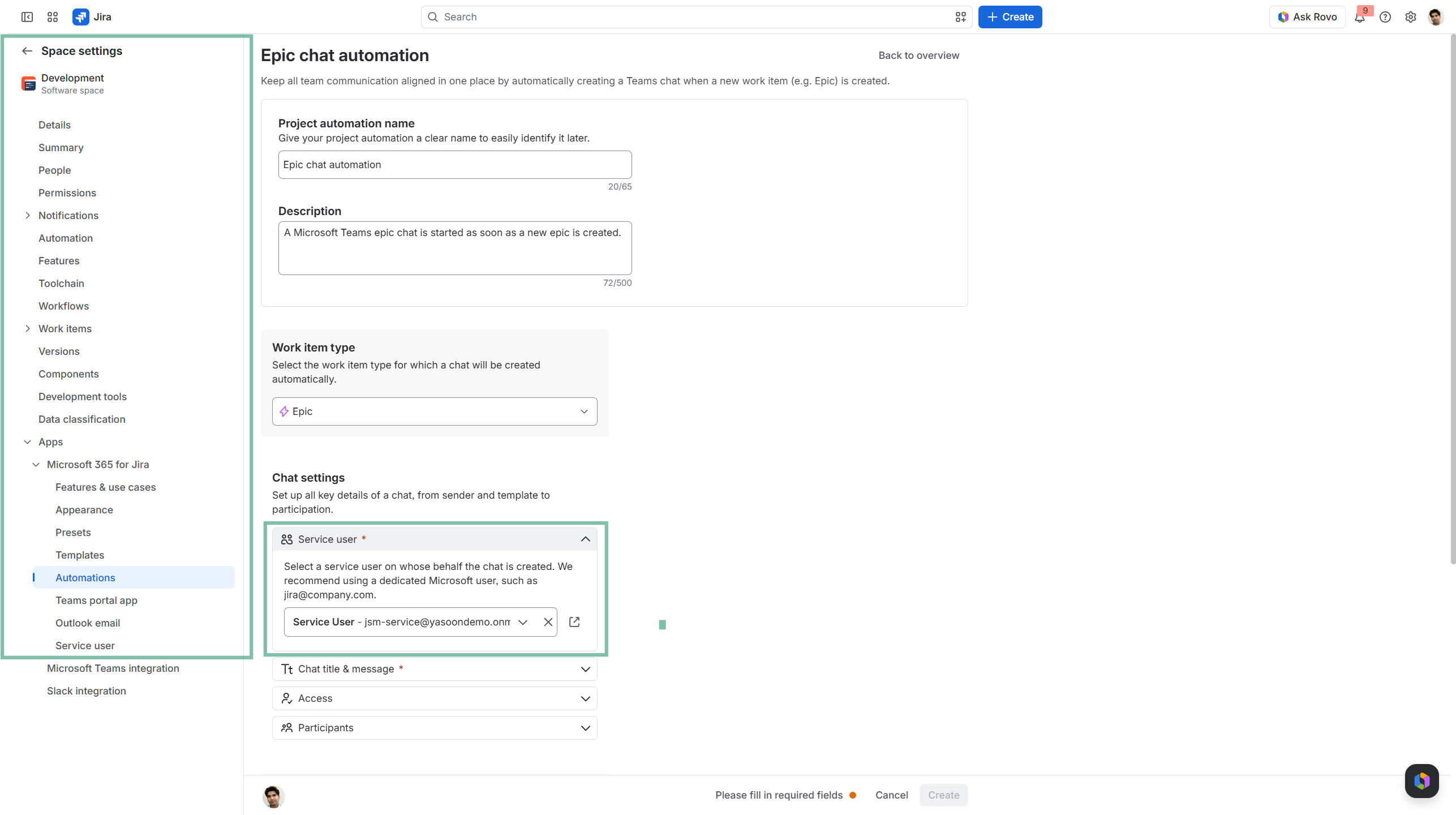
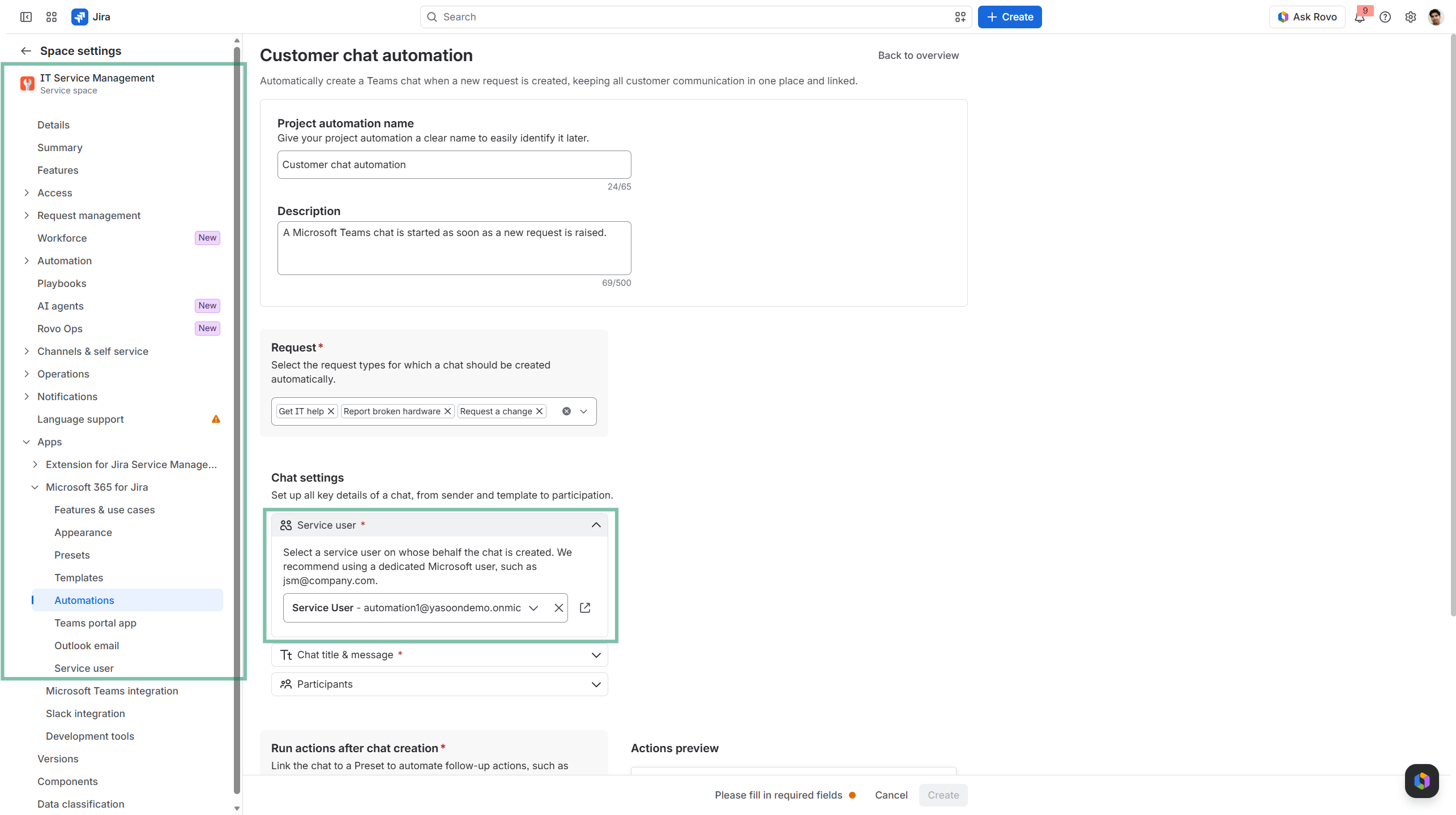
With project automations, you can automatically create Microsoft Teams chats when a configured event occurs, for example when:
-
a customer request or incident is created in Jira Service Management, or
-
a new epic is created in Jira Software.
To use these automations, configure a service user with:
-
A Microsoft 365 account that can sign in
-
A Microsoft Teams license
-
The permission required to create chats in Microsoft Teams
The service user signs in to Teams and initiates chats on behalf of Microsoft 365 for Jira. Once a chat has been created, the selected participants can continue the conversation as usual.
We recommend using a dedicated account that is not assigned to an individual employee. This keeps automations running reliably, provides consistent permissions, and prevents them from being affected when someone changes roles or leaves the organization.
Shared mailboxes cannot be used, because they do not support signing in to Microsoft Teams.
🚀 Learn more about our JSM project automations
🚀 Learn more about our Jira project automations
Service user x Microsoft Outlook
A Jira mail handler can automatically create a new work item when an email is sent to a configured address. Our Microsoft 365 for Jira email service user takes this process one step further, by linking the original email to the newly created work item.
This connection makes the email context available in Jira and allows Jira users to reply to the original email directly from the work item. Our service user therefore creates the link between the email conversation in Microsoft 365 and the work being tracked in Jira.
To use this feature, configure a service user with:
-
An applicable Microsoft license, if required for the selected mailbox type
-
Access to sign in to or authorize the mailbox
-
Permission to read, manage, and send emails from the mailbox