
If you want to have your JSM portal neatly integrated in MS Teams, please consider the following information and required steps below.
Teams portal app settings
To display your JSM portal identically in MS Teams, including Assets fields being configured in some JSM spaces, toggle on the “native look and feel” option in the Microsoft 365 for Jira admin settings.
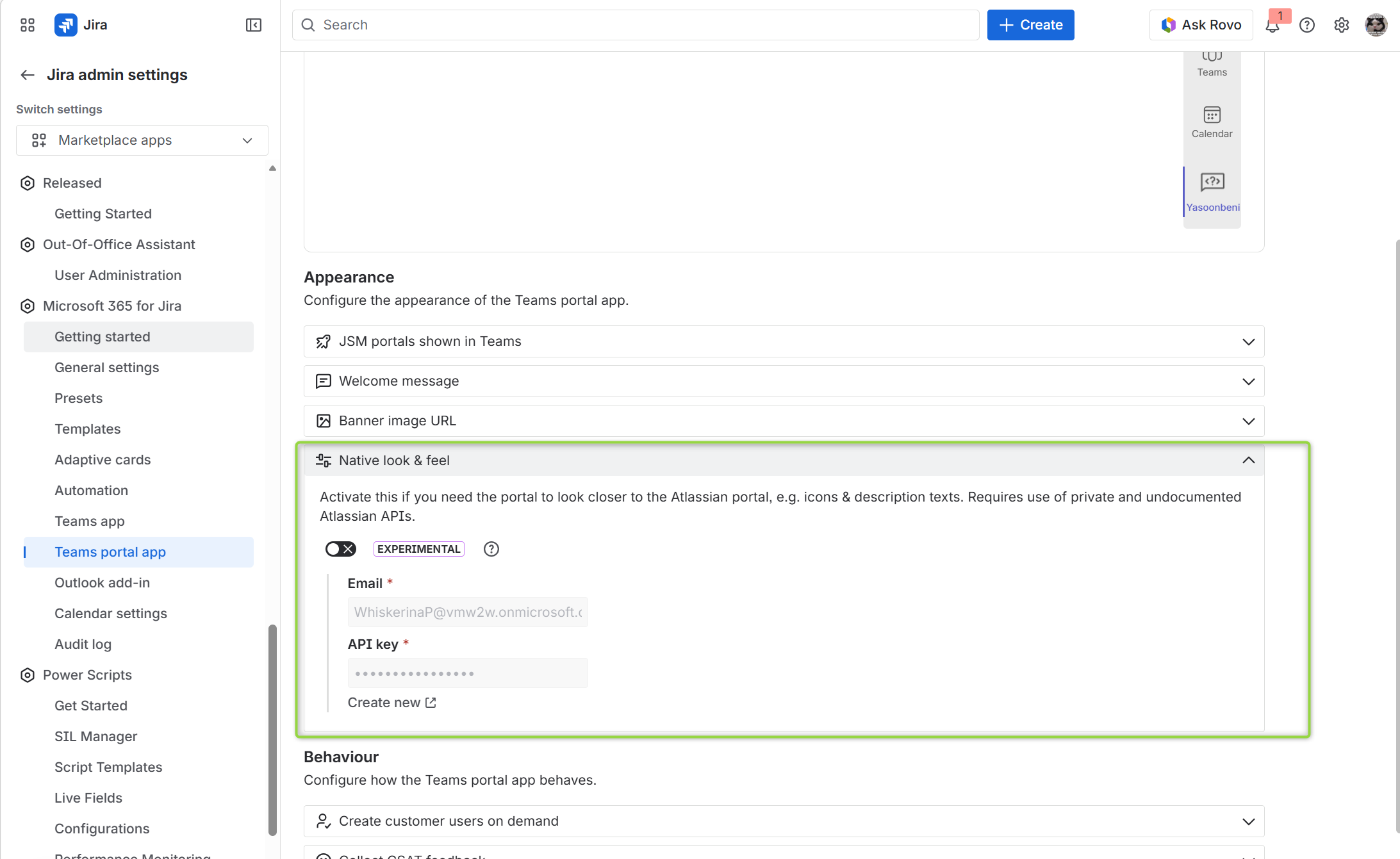
Next, set up an API token to enable synchronization between Jira and MS Teams.
Important information:
Currently, using a Jira service user does not work with Asset fields.
Create an API token based on a Jira user
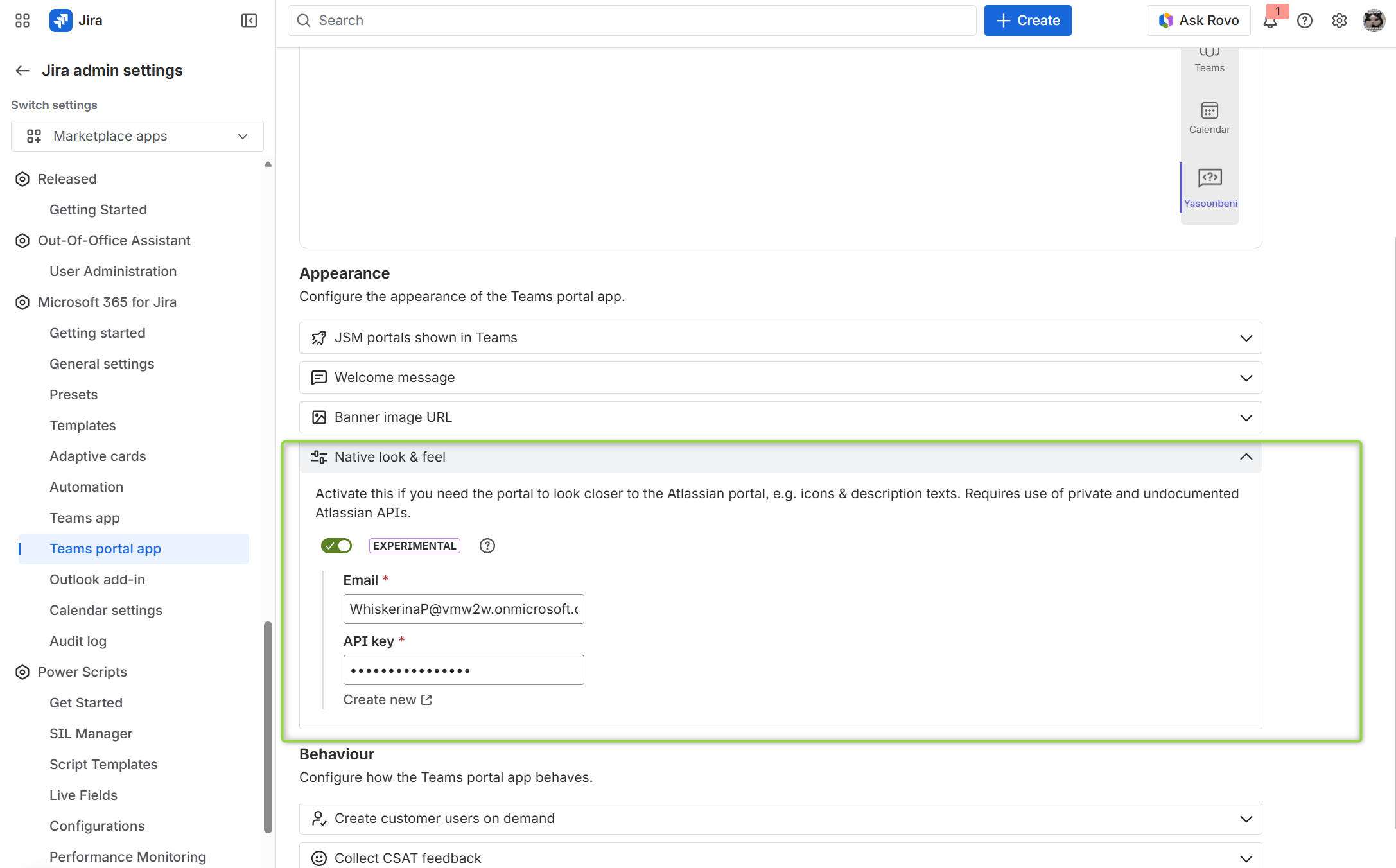
To create an API token simply follow instructions as mentioned in product. Enter your email address and click “create new”.
 Advantages
-
The admin user creates and thus, “controls”/relates with the token
-
Asset fields and Affected Service fields can be displayed
 Disadvantages
-
The token is removed when the user is deactivated in Jira
-
Only the user controls the token
Which permissions are required to make all assets work?
The Jira user must be an administrator to create and save the API key. The user also requires these permissions:
-
User (agent) permissions for the relevant Service Spaces
-
User permissions for Assets
-
Service Space Agent permission, set at the space level