
Problem
When you first use our app in Jira, you typically log into the Teams feature to start a chat. However, accessing the personal settings screen displays a warning:
No login from Teams
You are not connected to a Jira account from Teams. To get the most out of the app, please login from Teams.
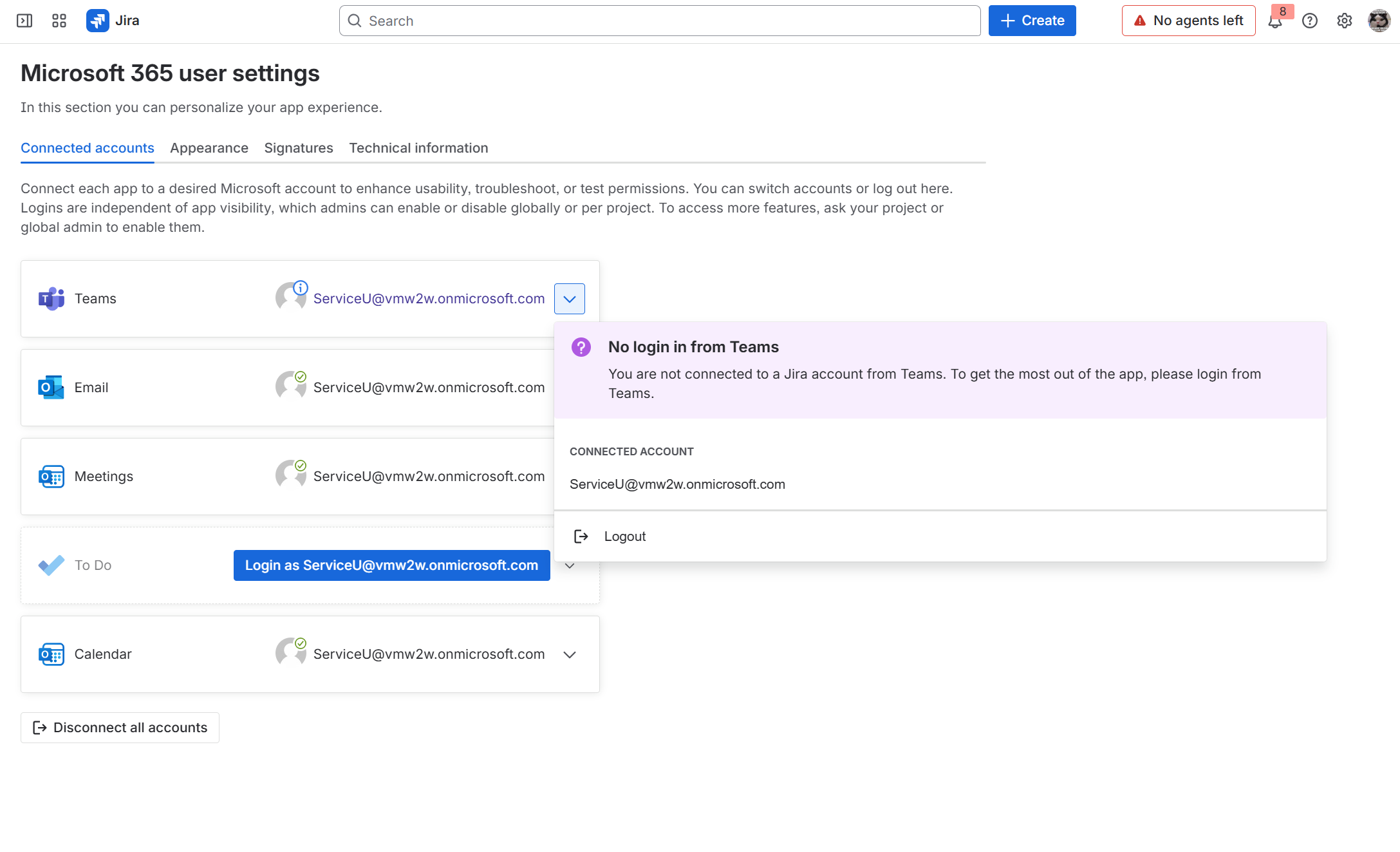
This indicates you are not logged into our Smart Connect for Jira app from Teams.
Solution
Follow this guide to login: Teams: login/logout as a user to Jira Cloud | yasoon docs
Features after login
What actions can you perform when logged into the app via Teams?
-
Create new issues based on chats/channel conversations | yasoon docs
-
Search and share Jira issues in Microsoft Teams | yasoon docs